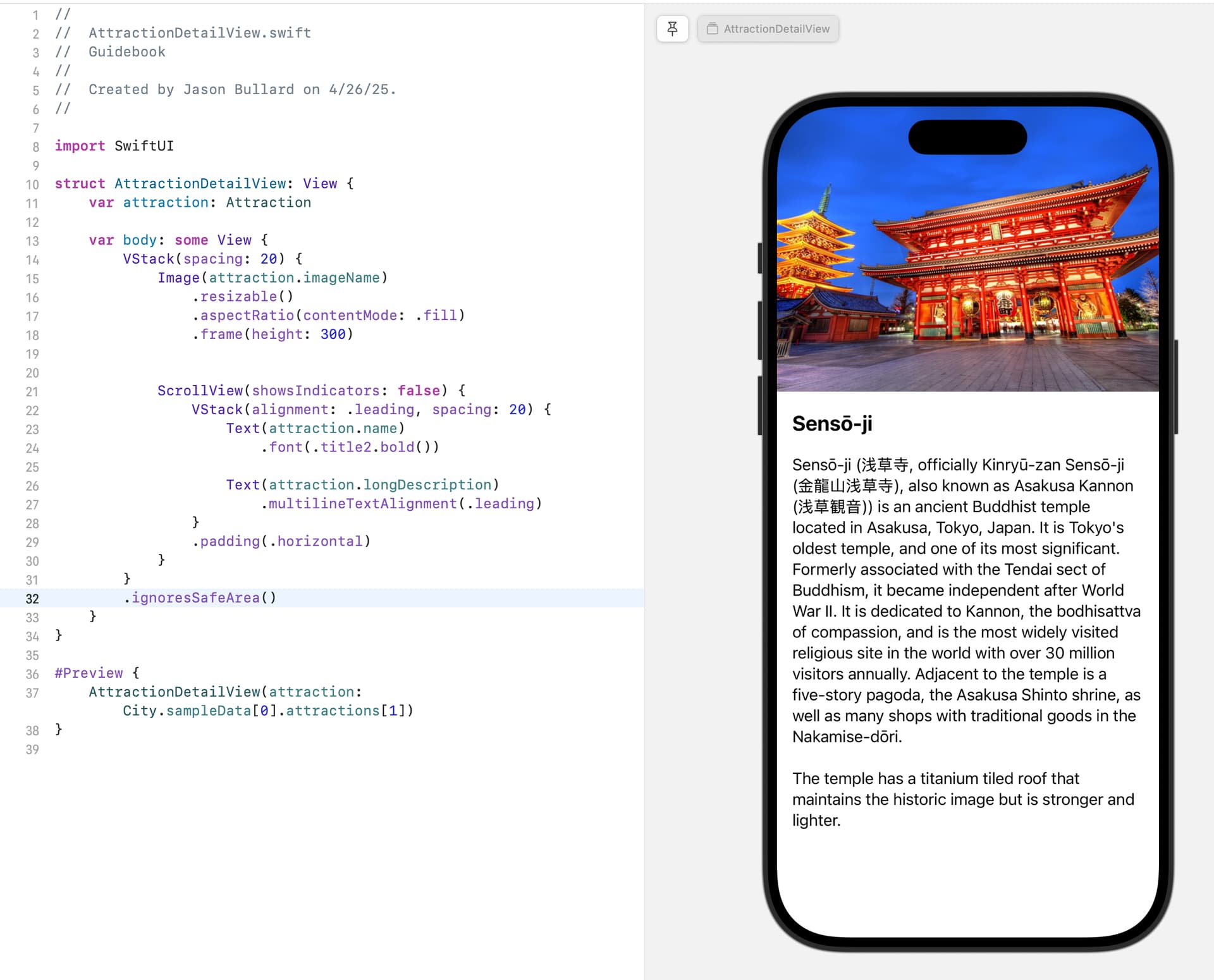
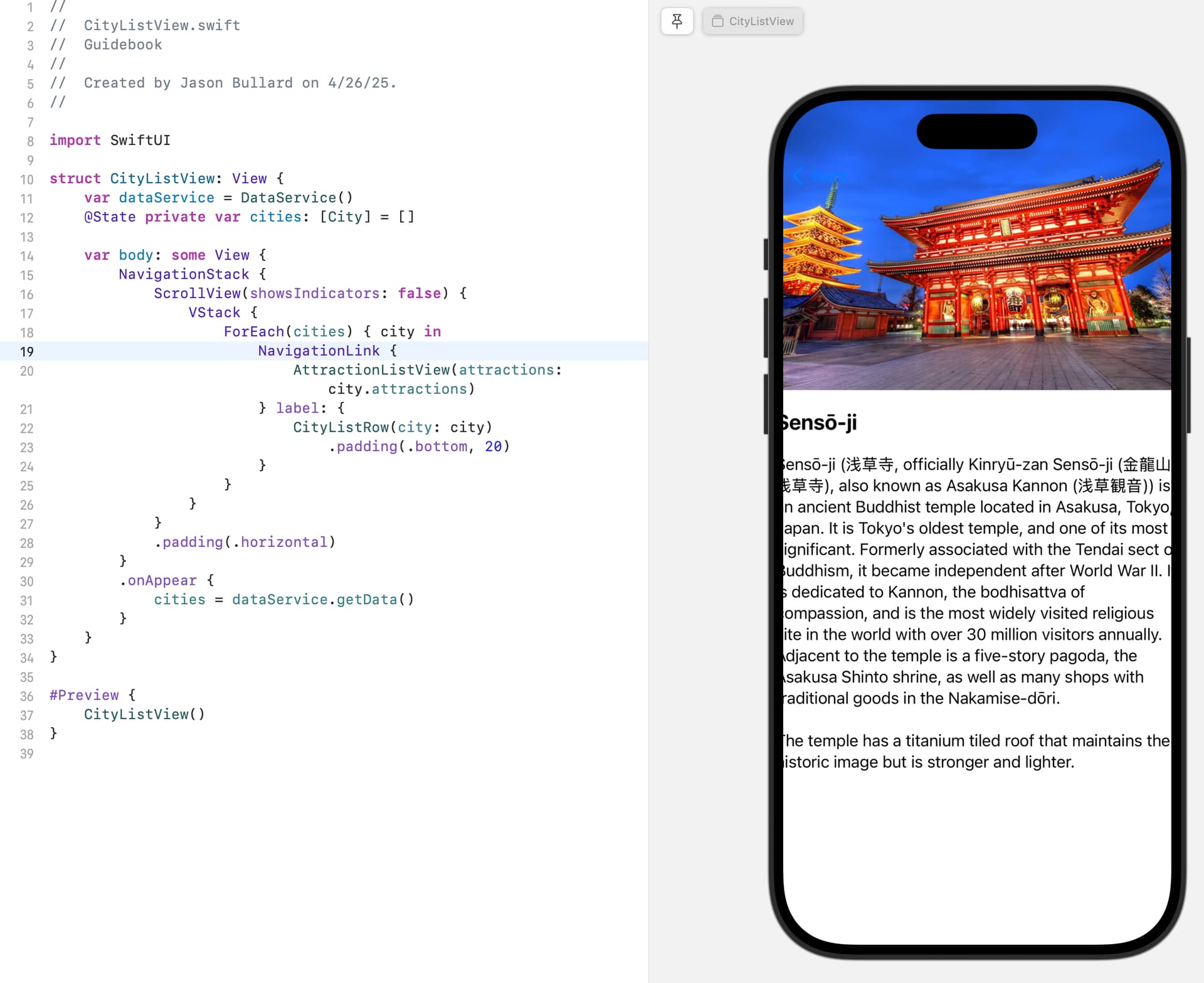
I am following the Guidebook tutorial and seem to be having an issue with text in the AttractionDetailView overflow the bounds of the device. It is only visible when traversing navigation whether that is in the live preview or simulator.
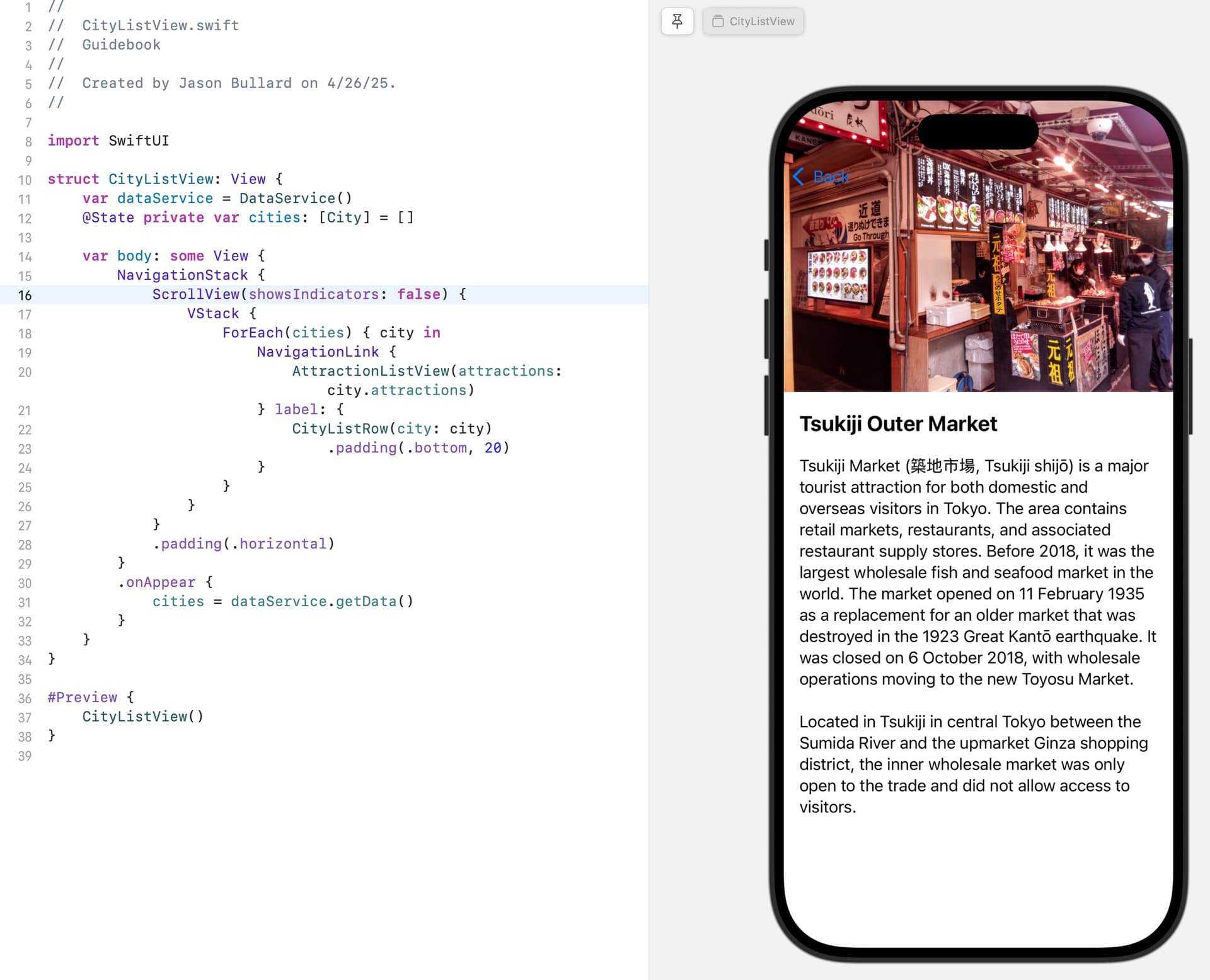
If I am using live preview in the AttractionDetailView everything is correctly laid out. But, one of the attractions is displayed correctly in the simulator and live preview when navigating from the CityListView.
1 Like
I also want to highlight that during Lesson 04: Building the Guidebook UI, Chris clicks on Tsukiji Market & Ghibli Museum, both of which are correctly displayed. The other two attractions are having issues horizontal padding.
@jasonabullard
Hi Jason,
I’m noticing that too with my version though I am pretty sure that it was fine ages ago when I followed the course. I was just messing about with the detail view and the only way I could get it to behave (I’m sure there is a better way than what I have used) was setting a constant for the screen size and using that in a .frame() modifier. See the attached DetailView from my project:
struct DetailView: View {
    var attraction: Attraction
    let size = UIScreen.main.bounds.size

    var body: some View {
        VStack(spacing: 20) {

            Image(attraction.imageName)
                .resizable()
                .aspectRatio(contentMode: .fill)
                .frame(height: 300)
            // SlantShape is a rectangle with the bottom left corner
            //  slanting down from left to right.
                .clipShape(SlantShape())
            // Alternative method is to cover the corner with the shape using
            //  overlay
//                .overlay (
//                    EdgeSlantShape()
//                        .fill(Color("slantColor"))
//                )

            ScrollView(showsIndicators: false) {
                VStack(alignment: .leading, spacing: 20){
                    Text(attraction.name)
                        .font(.title)
                        .bold()
                    Text(attraction.longDescription)
                        .multilineTextAlignment(.leading)
                    Spacer()
                }
                .frame(maxWidth: size.width - 20)
            }

            // Create URL instance based on URL Scheme
            if let url = URL(string: "maps://?q=\(cleanName(name: attraction.name))&sll=\(cleanCoord(latLong: attraction.latLong))") {
                //&z=10&t=s

                // Test if URL can be opened
                if UIApplication.shared.canOpenURL(url) {
                    Button {
                        // Open the URL
                        UIApplication.shared.open(url)
                    } label: {
                        ZStack {
                            RoundedRectangle(cornerRadius: 15)
                                .foregroundColor(.blue)
                                .frame(height: 40)
                            Text("Get Directions")
                                .foregroundColor(.white)
                        }
                    }
                    .frame(maxWidth: size.width - 20)
                    .padding(.bottom, 30)
                }
            }
        }
        .padding(.horizontal, 10)
        .ignoresSafeArea()
    }

    func cleanName(name: String) -> String {
        name.replacingOccurrences(of: " ", with: "+").folding(options: .diacriticInsensitive, locale: .current)
    }

    func cleanCoord(latLong: String) -> String {
        latLong.replacingOccurrences(of: " ", with: "")
    }
}

struct DetailView_Previews: PreviewProvider {
    static var previews: some View {
        DetailView(attraction: Attraction(name: "Pantheon",
                                          summary: "The Pantheon is a former Roman temple and, since 609 AD, a Catholic church in Rome, Italy, on the site of an earlier temple commissioned by Marcus Agrippa during the reign of Augustus.",
                                          longDescription: """
               The Pantheon from Greek is a former Roman temple and, since 609 AD, a Catholic church (Basilica di Santa Maria ad Martyres or Basilica of St. Mary and the Martyrs) in Rome, Italy, on the site of an earlier temple commissioned by Marcus Agrippa during the reign of Augustus (27 BC – 14 AD). It was rebuilt by the emperor Hadrian and probably dedicated c. 126 AD. Its date of construction is uncertain, because Hadrian chose not to inscribe the new temple but rather to retain the inscription of Agrippa's older temple, which had burned down.
               """,
                                          imageName: "pantheon", latLong: "41.898762500696236, 12.476915812472798"))
        .preferredColorScheme(.dark)
    }
}
1 Like
I also have the same problem
But I’m still in the “importing the jason part”
witch part should I change?
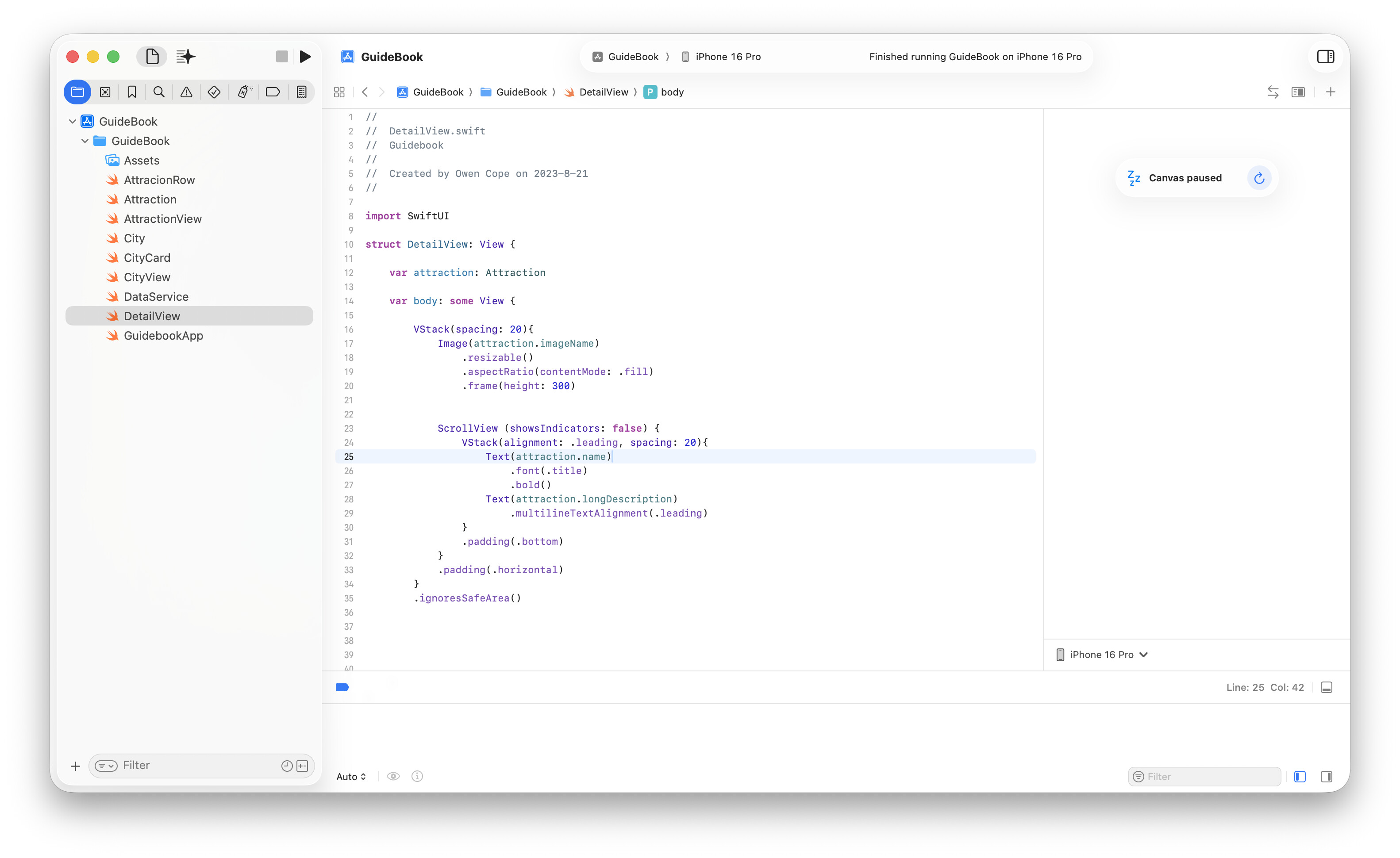
The solution for the DetailView to save the issue of the text in the SCrollView bleeding part the edge of the screen is to wrap the outer VStack in a GeometryReader.
Like this:
struct DetailView: View {

    var attraction: Attraction

    var body: some View {

        GeometryReader { geo in
            VStack (spacing: 20) {
                Image(attraction.imageName)
                    .resizable()
                    .aspectRatio(contentMode: .fill)
                    .frame(width: geo.size.width, height: 300) // width: geo.size.width, has been added


                ScrollView (showsIndicators: false) {
                    VStack (alignment: .leading, spacing: 20) {
                        Text(attraction.name)
                            .font(.title)
                            .bold()

                        Text(attraction.longDescription)
                            .multilineTextAlignment(.leading)
                    }
                    .padding(.bottom, 20)
                }
                .padding(.horizontal)
            }
            .ignoresSafeArea()
        }
    }
}
The GeometryReader is a View that “reads” the screen size in terms of width and height. The proxy, which is the parameter geo in, is the means by which you can specify what space the Image has available to it. In this case the width of the Image frame is then restricted to the screen width by adding 'width: geo.size.width, '. I suspect that what you are seeing is unfortunately as a result of changes to iOS since the course was written.